Read both languages.
Two subtitle languages at once on Prime Video.
Add to ChromeFree plan · No account · Desktop Chrome

Try any two languages.
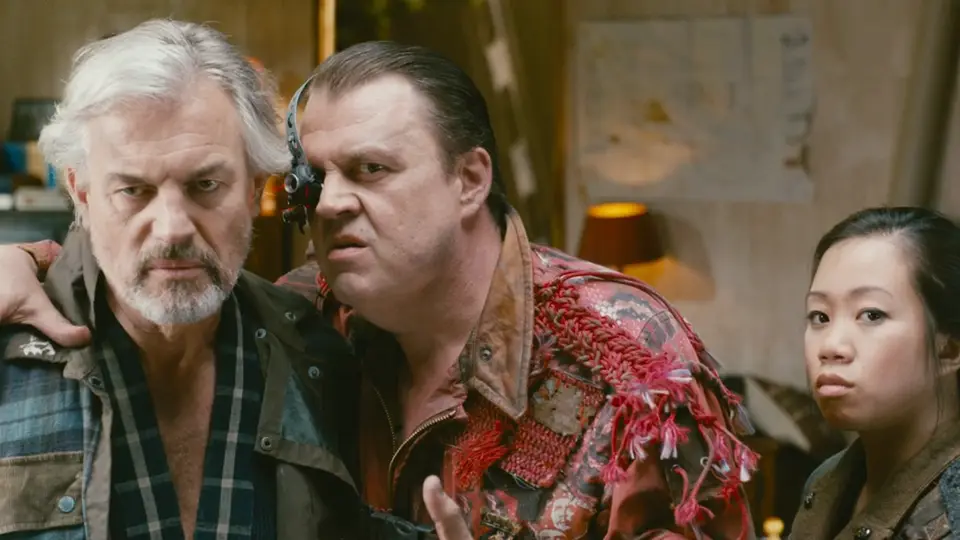
Clip: Tears of Steel, © Blender Foundation, CC BY 3.0 (edited)
How it works
Add Bothsubs to Chrome
Free. No account.
Open Prime Video
Play a title and press the Bothsubs button
Pick two languages
One for the top line, one for the bottom.
Watch in two languages
Your two lines, where you want them.
Both languages on screen
Pick any two subtitle languages the title has. They sit one above the other, straight from Prime's own subtitles.
- Learning a language? Keep your own underneath.
- Watching together? One line each.
Missing a language? Translate it.
When a title doesn't have your language, Bothsubs translates one line for you. The first 10 minutes a day are free.
It's machine translation, so it can be wrong. Translated lines are labelled.
Put them anywhere
Drag the lines off a face or a sign. They stay where you put them.
Your colours, your size
Six colours for each line. One slider sizes both.
Click a line to pause
Stop on a sentence and read it again. Click to carry on.
Stays in sync
Through ads, skipping around and the next episode.
Works in fullscreen
The lines come with you.
Hides Prime's subtitles
So you only see your two lines.
No account
We don't collect what you watch.
Free, unless you need translation
Two lines from Prime's own subtitles cost nothing.
Free
$0
- Both lines, as much as you like, when Prime has both languages
- 10 minutes a day of translation
- No account, no card
Unlimited
$3.99 a month
$29 a year, about $2.42 a month
- Everything in Free
- Translation with no daily limit
- A licence key by email, good for up to 3 devices
Checkout opens when the extension is on the Chrome Web Store.
Out of free minutes? The film keeps playing and the original line stays.
Questions
No account, and we don't collect what you watch. Lines sent for translation are not stored. Privacy policy
Something else? support@bothsubs.com
Which languages can I use?
Any subtitle language Prime has for the title. If yours is missing, Bothsubs can translate a line into English, Spanish, Portuguese, French, German, Italian, Polish, Turkish, Japanese, Korean, Arabic or Hindi.
Is the translated line accurate?
It is machine translation, so it can be wrong. Translated lines are labelled, so you always know which line came from Prime.
Does it stay in sync?
Yes. The lines keep time through ad breaks, skipping around and the next episode.
Does it work in fullscreen?
Yes, and you can still drag the lines there.
Does it work on a TV, a phone or the Prime Video app?
No. Bothsubs is a Chrome extension, so it works in Chrome on a computer.
Do I need an account?
No. If you buy Unlimited, you get a licence key by email and paste it into the extension.
What happens when the free minutes run out?
The film keeps playing. After 10 translated minutes in a day, a short notice takes the place of the translated line and the original line stays. Two lines from Prime's own subtitles are never limited.
Does it download videos or subtitles?
No. It shows the two lines while you watch. Nothing is saved for later.
Which Prime Video sites does it work on?
primevideo.com, and the Prime Video pages on Amazon's sites for the US, UK, Germany, Japan, France, Italy, Spain, Canada and Australia.
Try it on the next thing you watch.
Free with Prime's own subtitles. No account.
Add to ChromeFor Chrome on a computer